Loading...
JTG Systems

Loading...
JTG Systems
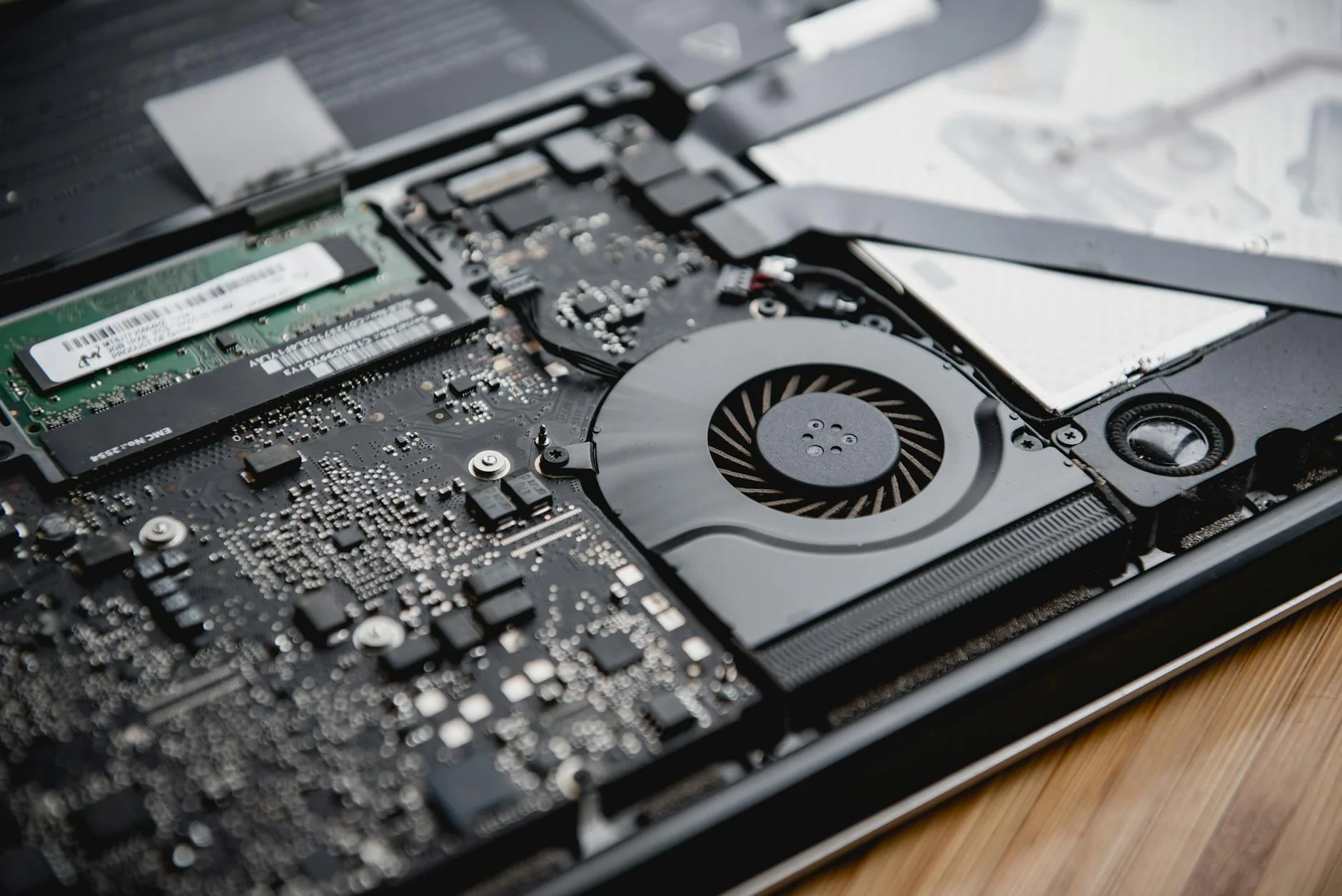
Restore your laptop's performance with our professional thermal service.
We are the highest-rated computer company in Niagara.
Heat is the #1 killer of electronics. Over time, thermal paste dries out and dust clogs the cooling fins, turning your laptop into an oven. JTG Systems performs deep internal cleaning and re-pasting to drop temperatures by 20-30°C.
TEXT is best. Are you looking for Laptop Overheating Repair? You found it! Let's get to work on your device right away—bring it in and our experienced team will start the repair while you wait.
Running a laptop at 90°C+ for extended periods can cause solder joints on the Graphics Chip (GPU) to fracture, leading to expensive motherboard failure.If your laptop shuts down randomly, stop using it immediately until serviced.
Standard factory thermal paste degrades within 2-3 years, leading to thermal throttling. We use industrial‑grade compound to drop operating temperatures by 10‑15°C.
We don't just blow compressed air in the vents (which pushes dust deeper inside). We fully disassemble the machine, remove the heatsink, chemically clean the old paste, and apply premium high-conductivity compound that lasts for years.
Is your laptop trying to tell you it needs fresh air?
Your fan sounds like a jet engine even when doing simple tasks, or makes grinding/rattling sounds.
The keyboard or bottom of the laptop is too hot to touch comfortably, especially near the exhaust vent.
The screen goes black instantly without warning. This is the motherboard's safety cutoff triggering.
Games stutter or programs lag because the CPU is 'throttling' speed to reduce heat output.
Visible dust bunny clumps in the vents. Internal heatsink fins are likely 100% blocked.
Struggling fans and inefficient hot electronics consume significantly more battery power.
We carefully open the chassis and remove the heatsink assembly to expose the CPU/GPU die.
Using compressed air and anti-static brushes, we remove every speck of dust from fan blades and radiator fins.
We remove old, rock-hard factory paste and apply fresh Arctic Silver or Grizzly Kryonaut thermal compound.
We run synthetic load tests to ensure temperatures remain within safe limits (under 80°C) at full power.
If the fan bearing is serviceable, we clean and lubricate it. If worn out, we install a brand new fan.
We reassemble the device ensuring proper mounting pressure for maximum heat transfer efficiency.
Stop the fan noise and heat. Experience a laptop that runs cool, fast, and silent.